
Creator profiles
Download a Creator’s Videos in Bulk
Open a public creator profile, load posts, reposts, playlists, or liked videos, filter the list, and save the selected videos as a ZIP or a folder.
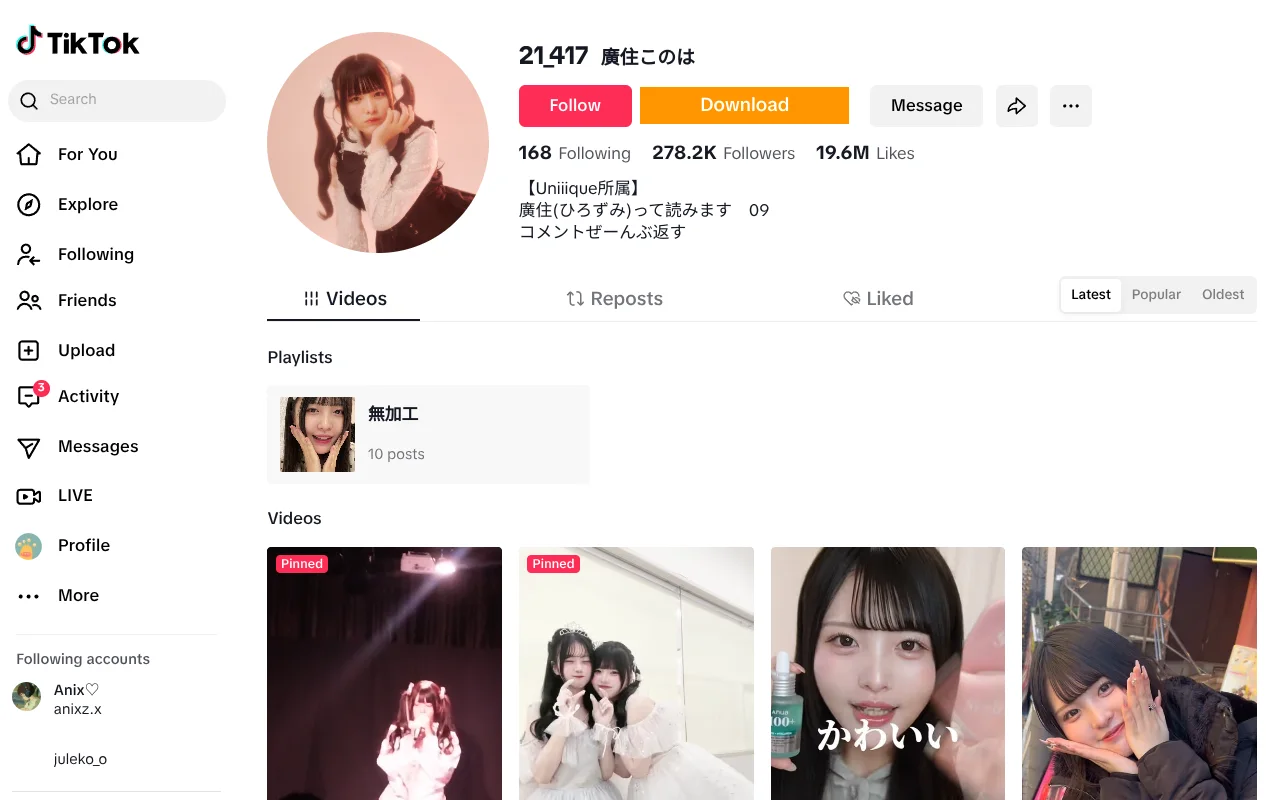
Four channels
Choose the part of the profile you need.
The creator tools use the public sections TikTok exposes for the profile you opened.
Posts
The creator’s public videos as they appear on the profile.
Reposts
Public reposts where TikTok exposes the section.
Playlists
The creator’s public playlists and their videos.
Liked videos
Public liked videos where the profile makes them available.
Filters
Narrow the loaded list before you download.
Use the fields the page exposes. A filter is a view of the loaded records, not a new data source.
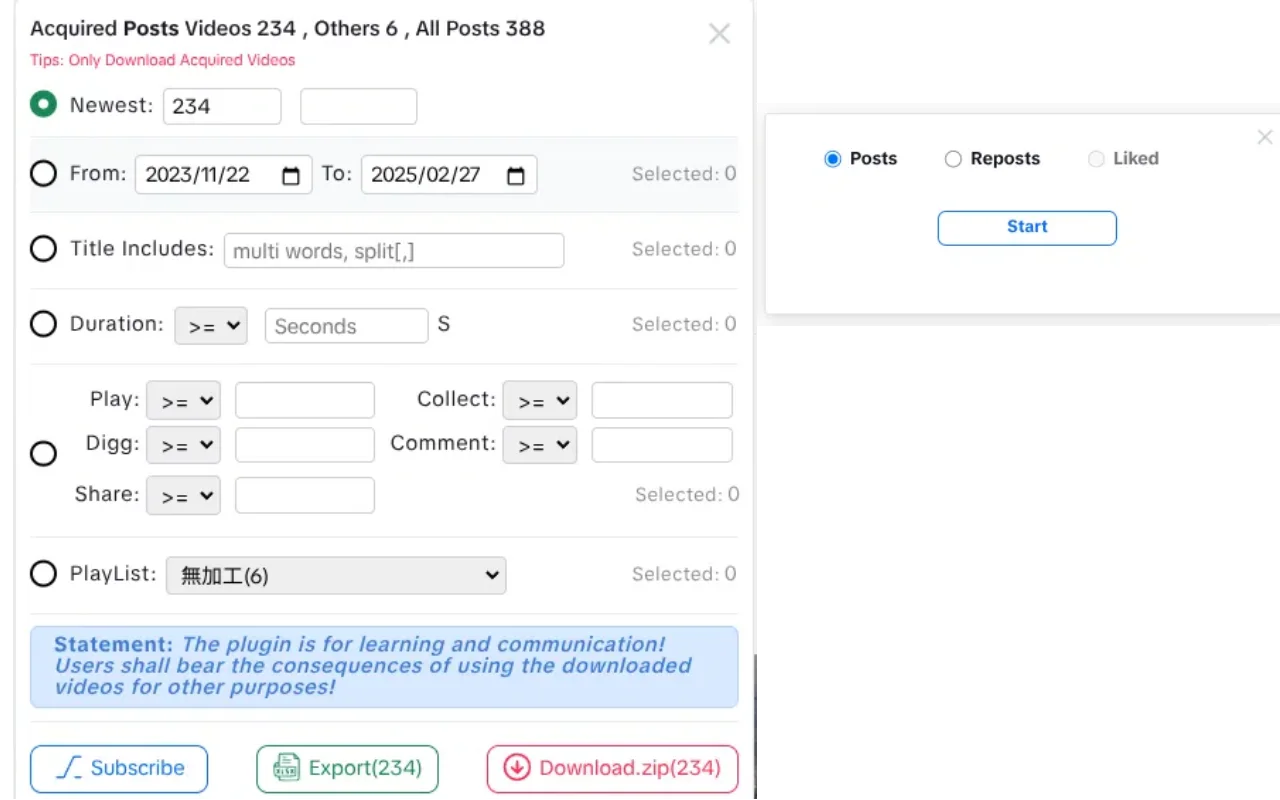
- Duration and publish-time ranges.
- Keyword include and exclude rules.
- Minimum play and like counts where available.
- A selected count that follows the current filter scope.
Record the page URL, capture date, and filters next to the files. A creator sample without that context is hard to reproduce later.
Workflow
Load, filter, select, and save.
Stop and continue where the extension offers it. A stopped run does not merge with a later one.
- 1
Open the creator’s public profile
Confirm you are on the public profile URL and that the page has rendered.
- 2
Open the BVT creator panel
Choose posts, reposts, playlists, or liked videos, then start the acquisition.
- 3
Filter the loaded list
Apply duration, time, keyword, or count filters that match the sample you need.
- 4
Select the videos
Use the selection controls and confirm the count before acting.
- 5
Download or export
Save the selection as a ZIP, write it to a folder, or export the metadata to XLSX.
Metadata
Take the selected records into a spreadsheet.
The XLSX export uses the same selection as the download actions and includes the public fields the page exposes.
- Video ID, cover, description, detail URL, and media URL.
- Create date, duration, playlist ID, playlist name, and isTop.
- Play, digg, collect, comment, and share counts where available.
- Missing values are left blank rather than invented.
Limits
What creator acquisition cannot guarantee.
BVT loads what the profile makes available. Private, removed, region-blocked, or login-only videos cannot be loaded.
The run is not a guaranteed complete archive. It stops when TikTok stops returning items or when you stop it.
Filters apply to the loaded list. A filtered result is not the same as the creator’s full history.
BVT does not merge partial runs across pages, tabs, or sessions.
Basic has limited batch processing; Pro unlocks the full batch workflow.
Downloading a profile is not a license to reuse it.
Public availability is not permission. Confirm that you have the rights to use each video, especially for advertising, client work, or republication.
FAQ
Creator workflow questions.
Which creator sections can BVT load?
Posts, reposts, playlists, and liked videos, where TikTok makes those sections available on the public profile. The extension’s creator modal provides a channel selector and Start, Continue, and Stop controls.
What filters are available?
You can filter by duration, publish time, keywords, and minimum play or like counts, depending on the fields the page exposes. The filtered selection is the set used for download or export.
Can I continue a run that stopped?
Yes, use Continue where the extension offers it. A stopped or interrupted run may need to be restarted from the current page. BVT does not merge partial runs across pages or sessions.
Can I export the creator’s metadata?
Yes. Selected videos can be exported as an XLSX workbook with fields such as video ID, description, detail URL, media URL, publish date, duration, playlist context, and public engagement counts, where available.
Why is the video count lower than the profile shows?
The profile may include private, removed, region-blocked, or otherwise unavailable items that BVT cannot load. TikTok can also stop returning pages, and BVT does not bypass those limits. Treat the result as the available sample, not a complete archive.
BVT
Work through a creator profile without opening each video.
Install BVT, open a public profile, and build the selection you need. Pro unlocks the full batch workflow.